If you have purchased Steam key on any marketplace or online store and you are having issues with it, you will need to report it to your seller with required proofs.
In order to avoid delays and back – forth messages with you (customer) and merchant (seller who sold you key) here are proofs that you will be asked to provide depending on the issue with the key (be sure to xactly follow the format).
Screenshots For Invalid Key
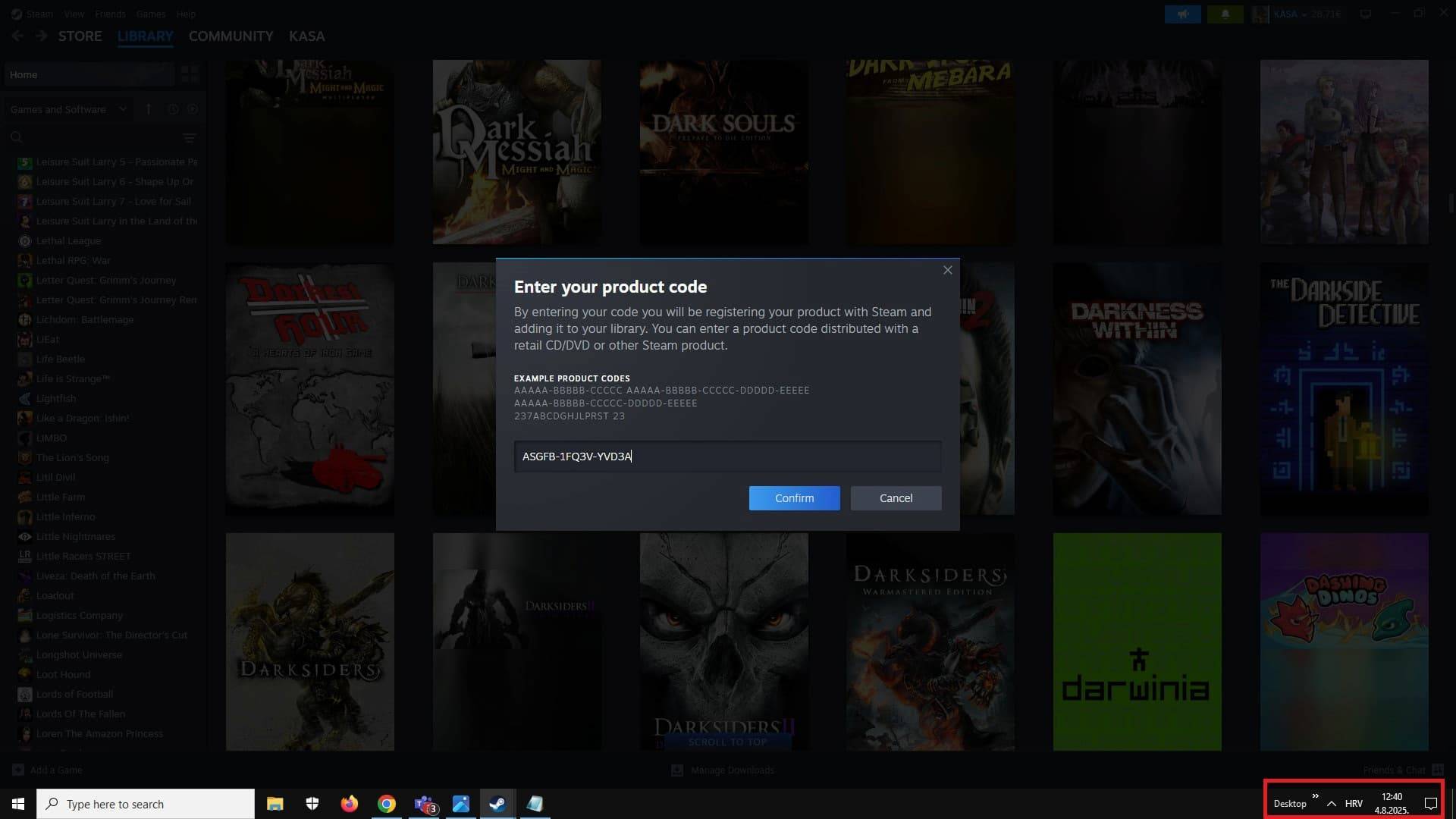
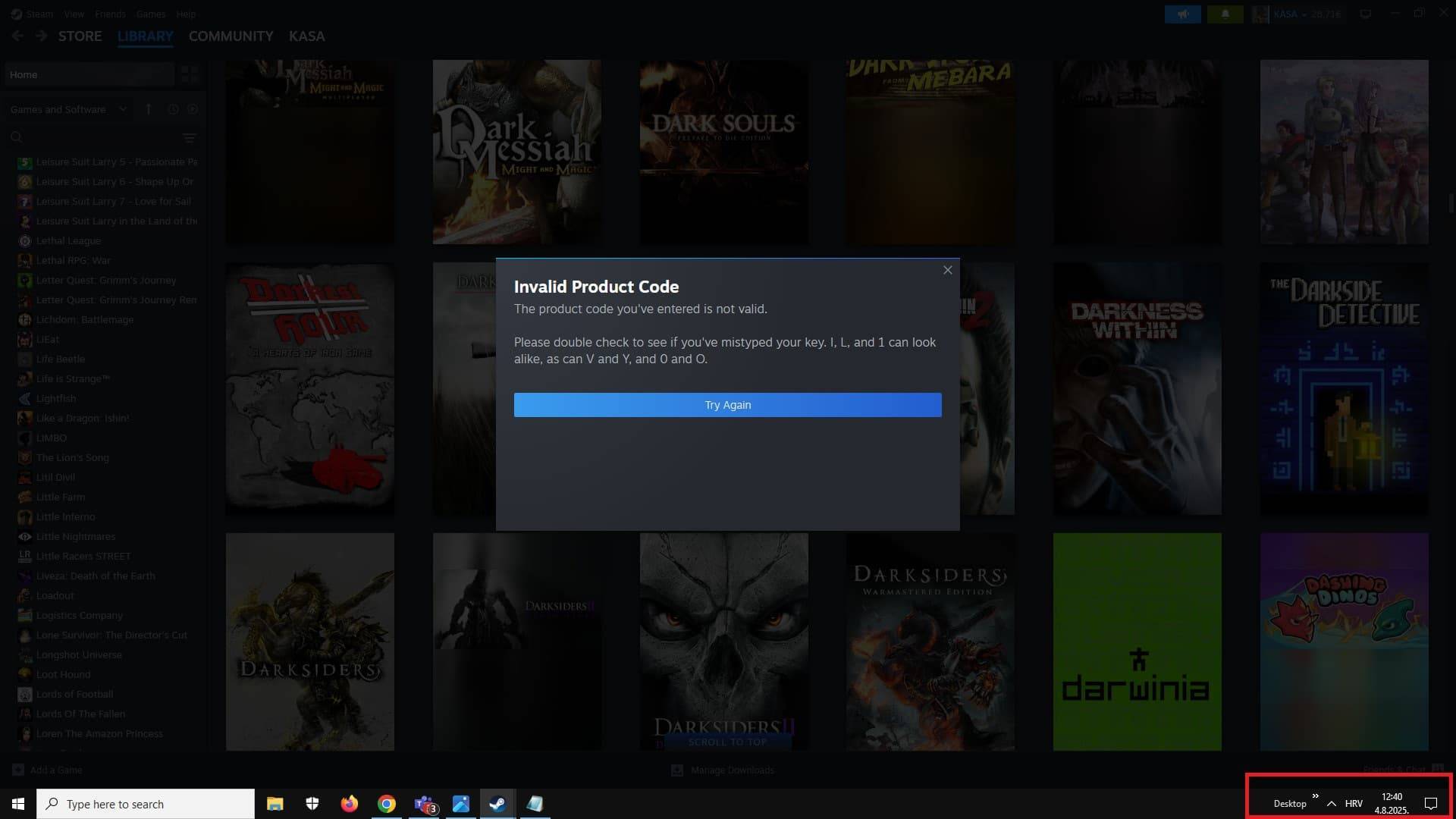
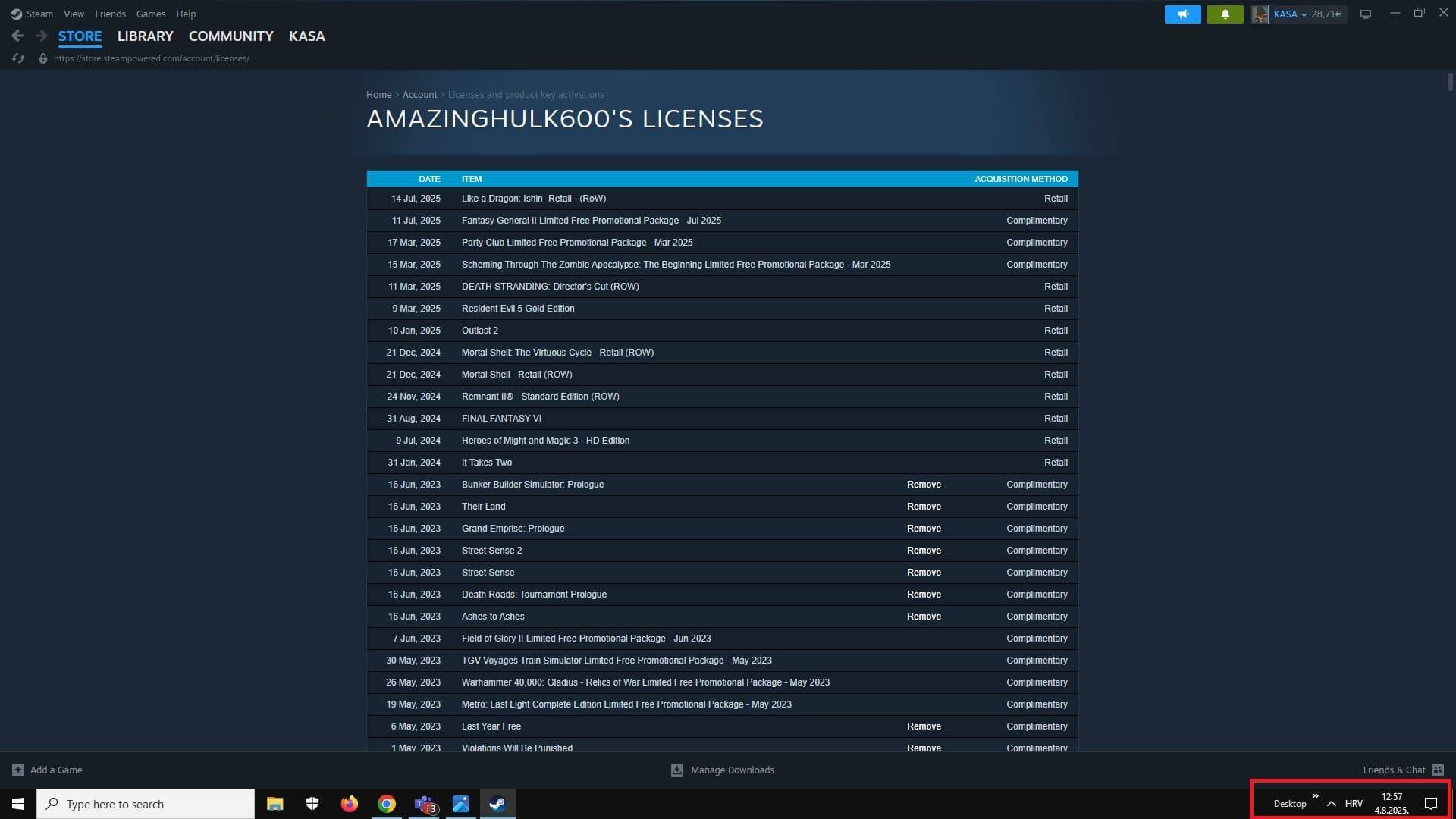
IMPORTANT Screenshot Format: You should always send screenshots from your desktop PC (not mobile phone) and from Steam app (not browser), full screen (no cropping) with date and time from desktop clearly visible on all screenshots. Sensitive data like email or personal details can be hidden by blurring it.
Screenshots you will provide:
- Key entered in activation field (field for games, not for steam gift or wallet code)
- Error received
- Steam account licenses and product key activations tab (click on Steam account name in the top-right corner -> Account Details -> View licenses and product key activations).
Screenshots For Region Locked Key
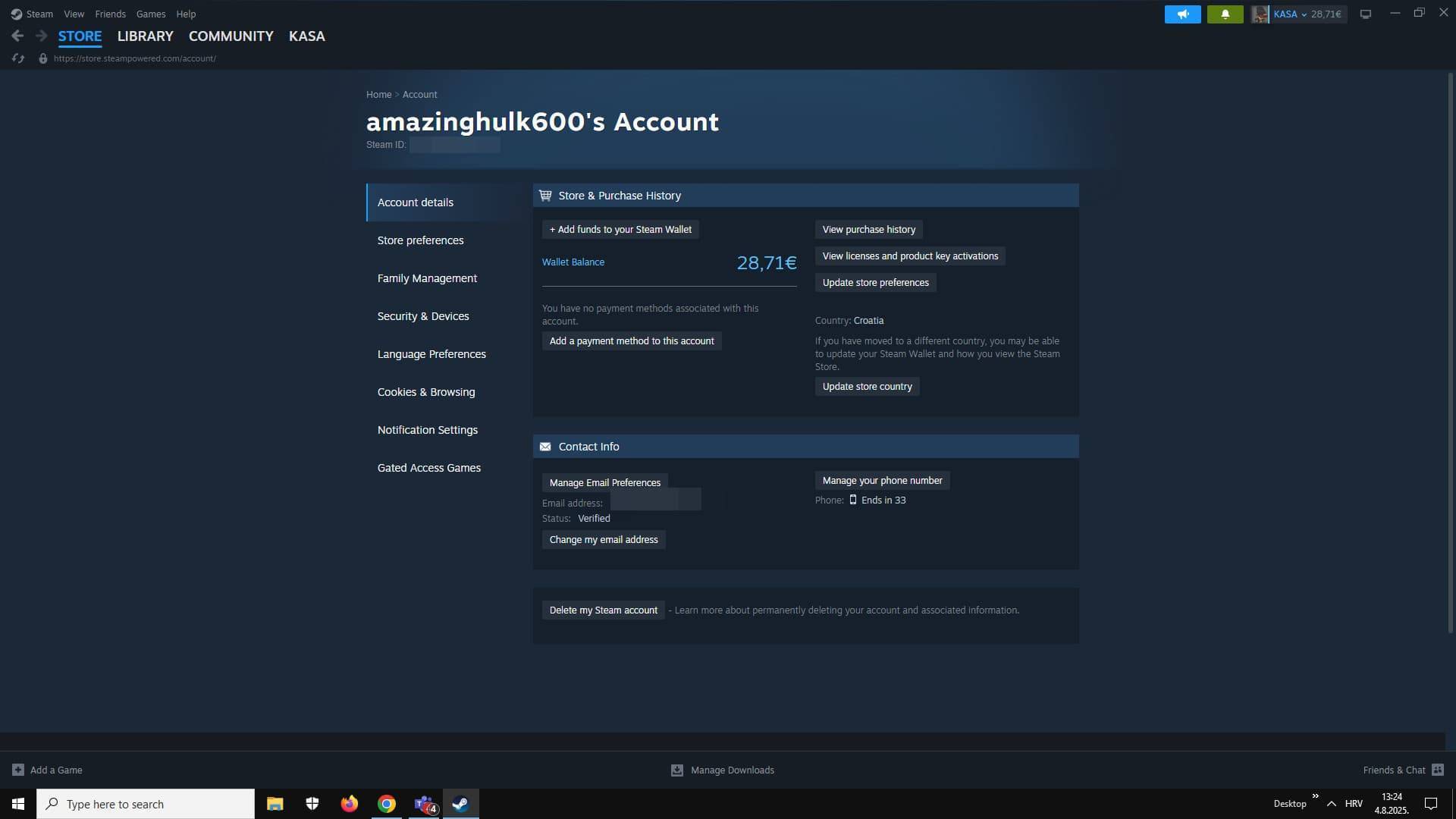
If during activation on Steam you receive a message that your key is not available in your country, then following the same format of screenshots, you will send the 3 previously displayed required screenshots + screenshot of your Steam account region.
Steam account region can be found by clicking on your Steam username and then Account details. Here you may hide your payment details if you wish or your email by blurring it out.
Screenshots For Used Key
What if during key activation your get Steam message saying that they key you are trying to redeem is already used on another Steam account?
In that case you will only send screenshots:
- Key entered in activation field (field for games, not for steam gift or wallet code)
- Error received
- Steam account licenses and product key activations tab (click on Steam account name in the top-right corner -> Account Details -> View licenses and product key activations).
- Screenshot from Steam support confirming the issue with the key
As you can see, when key used you will have to obtain additional proof. You will need to contact Steam support and obtain date and time when was key used (key needs to be clearly mentioned in the ticket in text format) to confirm issue with the key.
After you get response, you will need to take full screen screenshot of whole conversation from Steam app (not browser) and from your desktop (not mobile phone) with date and time visible.
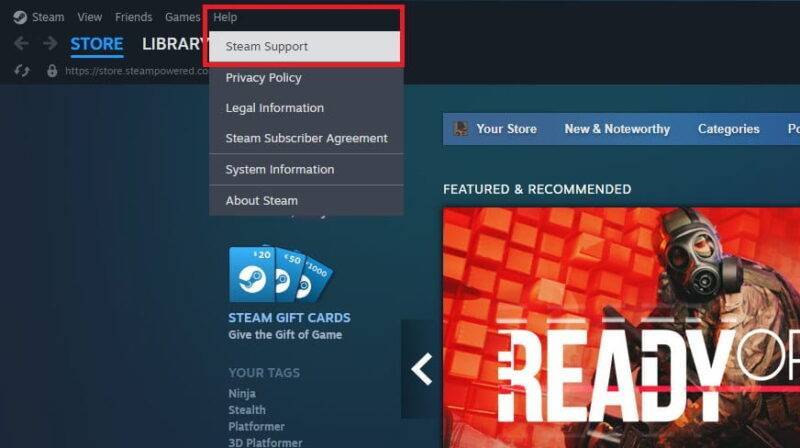
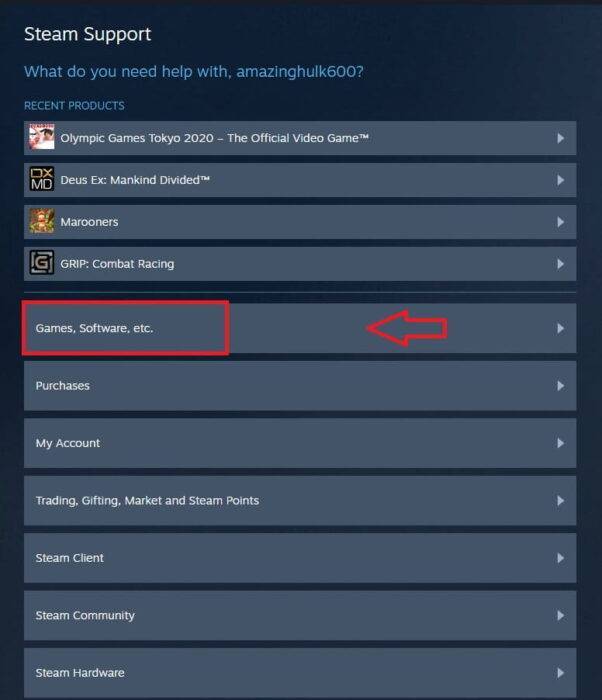
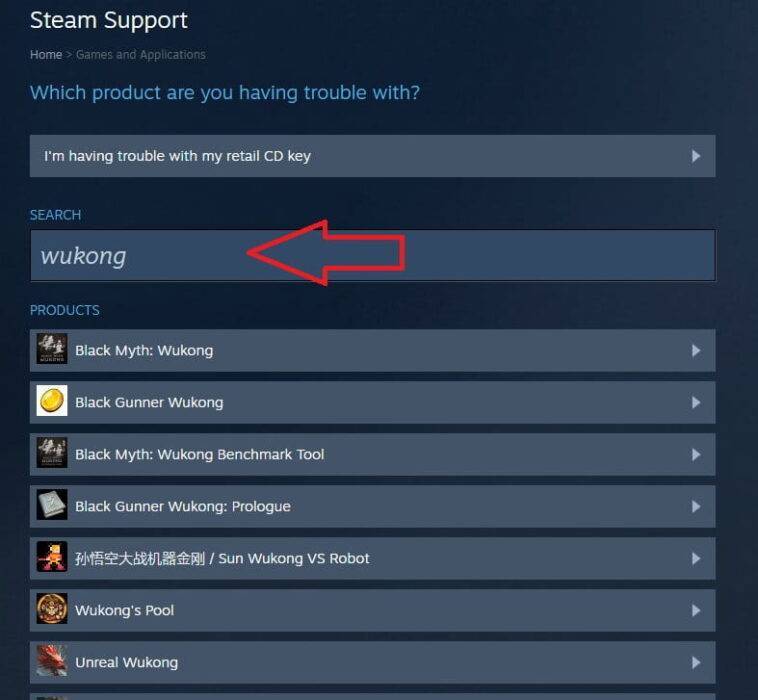
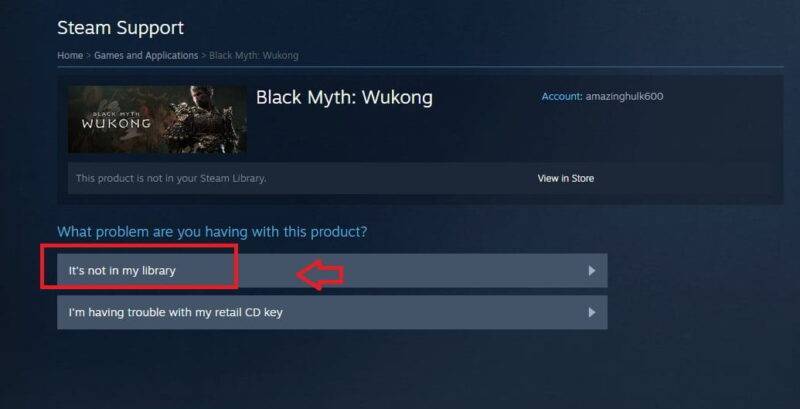
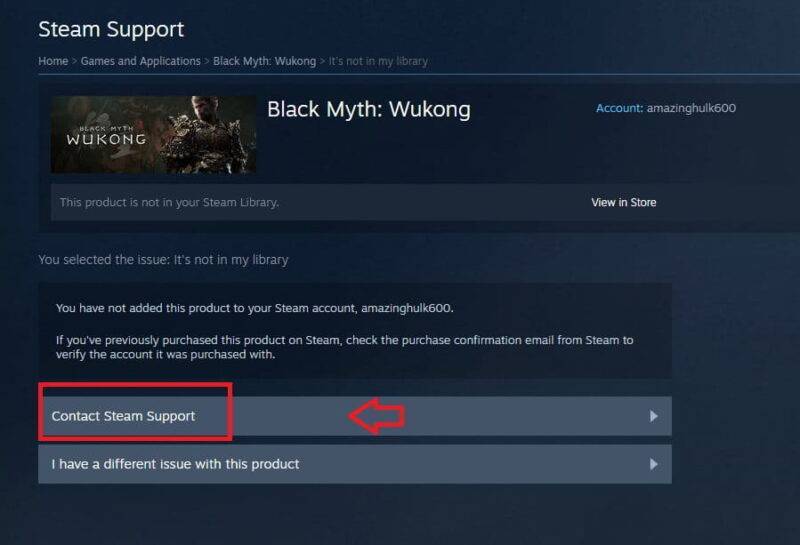
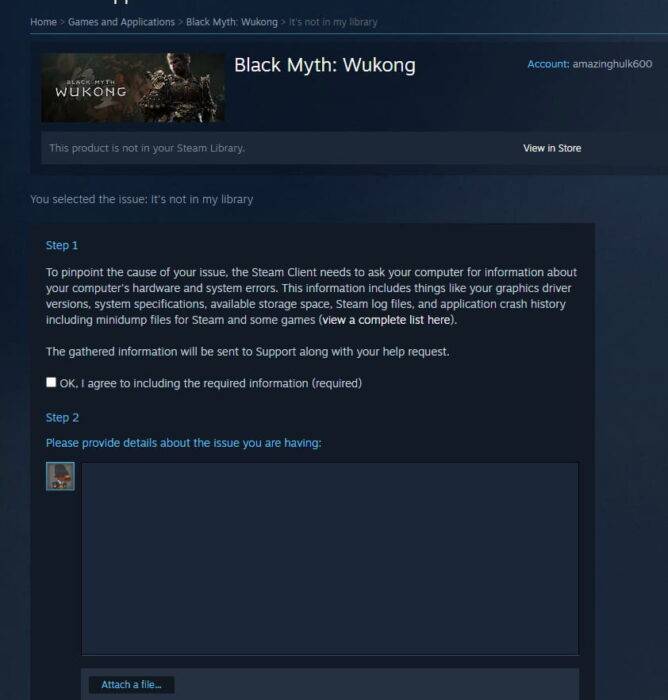
To contact support you will go to Steam support page or via Steam app help section.